
How to Program Garage Remotes to Your Garage Door Opener

cmlecates • November 11, 2023

Disclaimer: This guide is meant for demonstration purposes only. Always refer to the official manual for comprehensive instructions and safety information. The remote controls are designed specifically for use with residential door openers manufactured post-1993 with photoelectric sensors located near the bottom of the door track. Openers that utilize dip switches should be replaced with newer models

Remote Programming Instructions

  1. Preparation
  • Start with the garage door in the closed position.
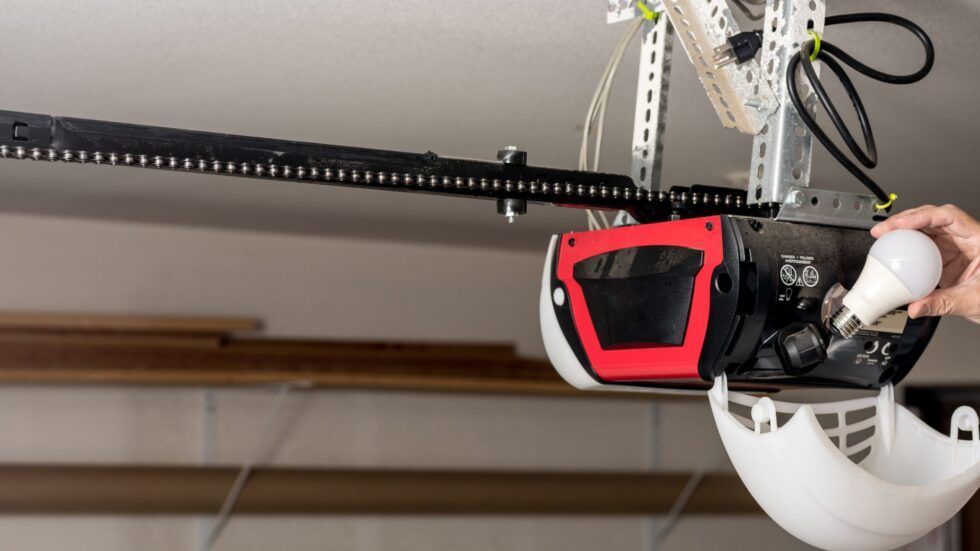
  • Ensure there is a light bulb in your garage door opener. This bulb will flash to indicate
    successful programming.
  • Note: The 891 LM and 893 LM remotes are compatible only with LiftMaster, Chamberlain, and Craftsman garage door openers that feature yellow learn buttons.


2. Locate the Learn Button: (pic)

  • Typically found on the back or side panel of the opener.
  • Identify the side with the hanging antenna wire; the learn button will be here.
  • Some openers may require you to open the light lens to access the button.
  • If the learn button is yellow, the antenna wire will match its color

3. Using the Control Panel

  • Some openers have a control panel for programming.
  • Multifunction Control Panel:
  • Motion-detecting Control Panel
  • Smart Control Panel with LCD Screen
  • Press ‘Menu’.
  • Use the down arrow until ‘Program’ is highlighted and then select it with the side arrow
  • Navigate using the down arrow until ‘Remote’ is highlighted, then select it using the side arrow
  • Doorbell Style Single Button Control Panel
  • Hold the light button on the sid
  • While holding it, press and release the front button. The light should blink once and then remain solid

4. Programming the Remote

  • Press the ‘Learn’ button on the motor unit of the garage door opener once. The LED associated with the learn function will illuminate.
  • Choose a button on your remote for programming. For this guide, we’ll use button one.
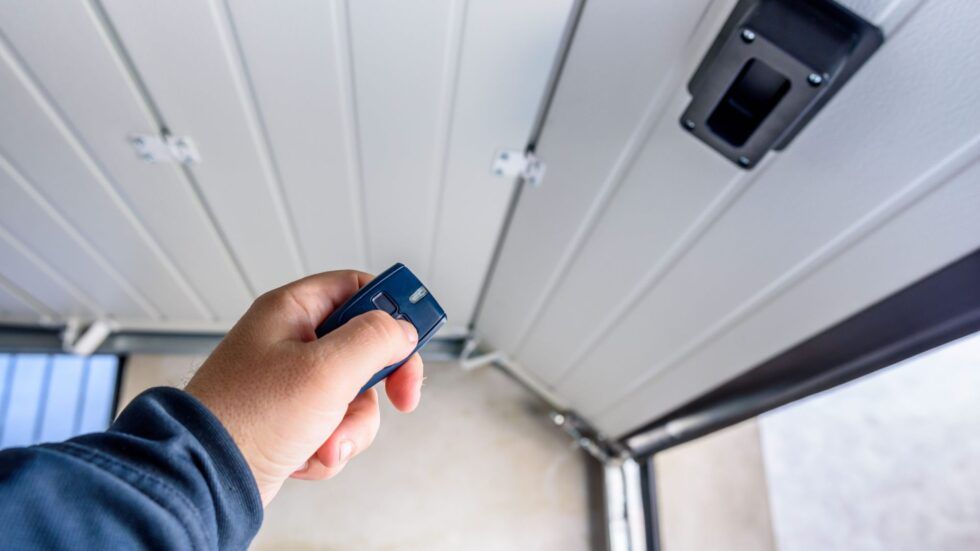
  • Press and hold your chosen button on the remote until the garage door opener’s lights blink or a clicking sound is heard, indicating successful programming.
  • Test the setup by pressing the programmed button. The garage door should move.

Recent Posts

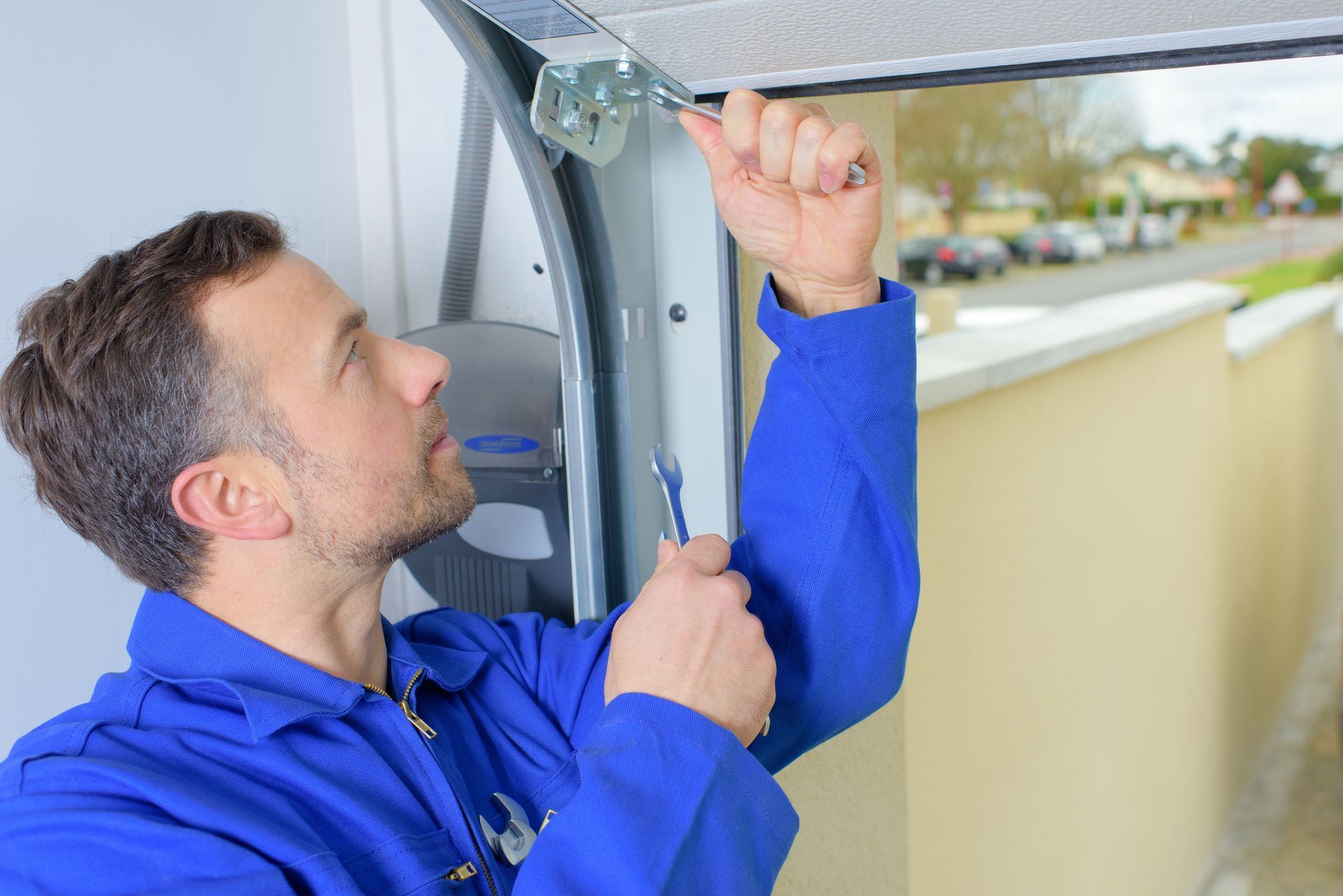
Technician in blue uniform repairing garage door mechanism with a wrench.
By Admin June 1, 2026
Hire a trusted local garage contractor in Las Vegas, NV. Custom Specialties Group offers expert garage door services. Call (702) 657-1244 for a free estimate.
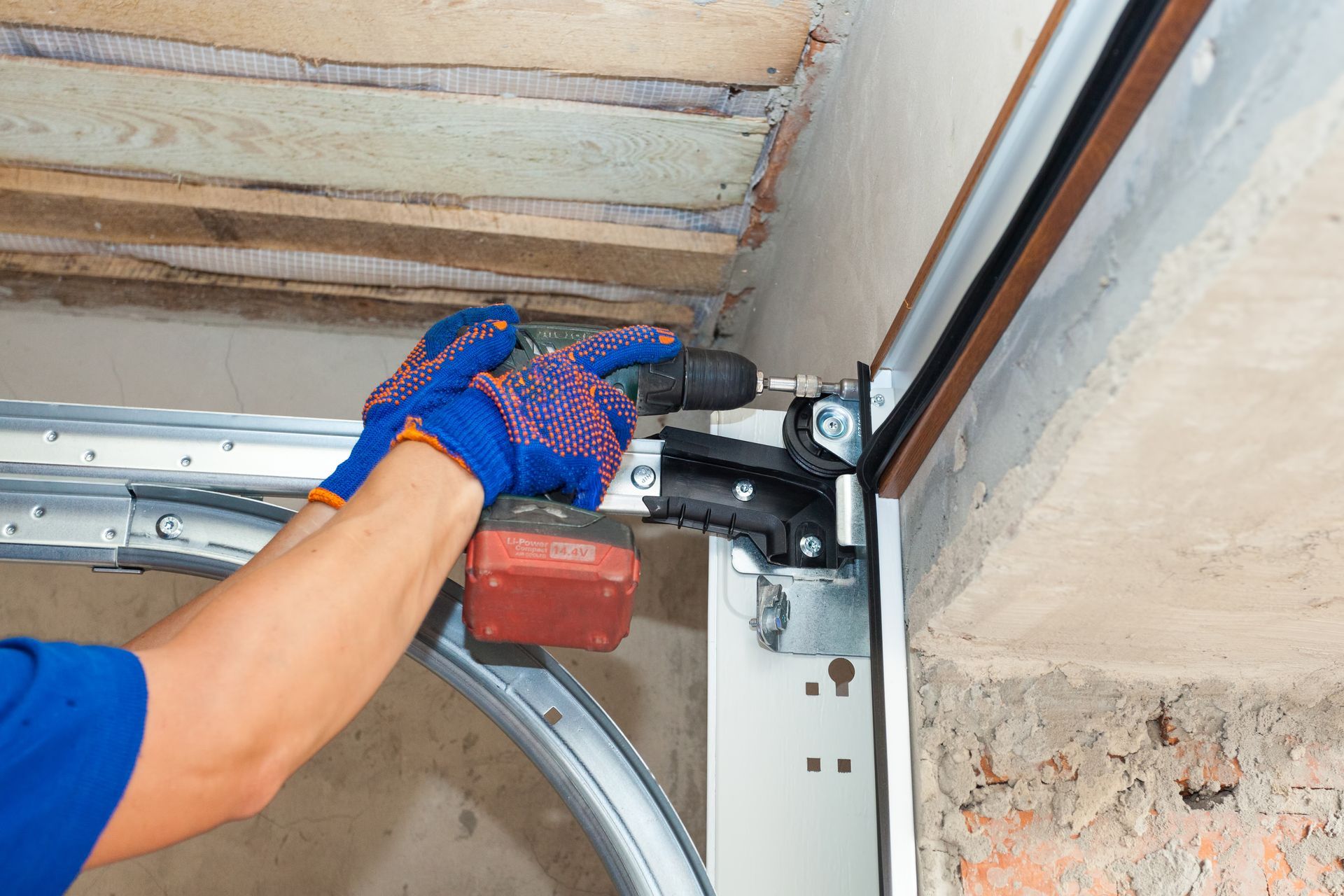
A technician is installing a garage door track with a power drill.
June 1, 2026
Discover tips to find the right garage contractor in North Las Vegas, NV. Custom Specialties Group offers 20+ years of experience. Get a free estimate today.
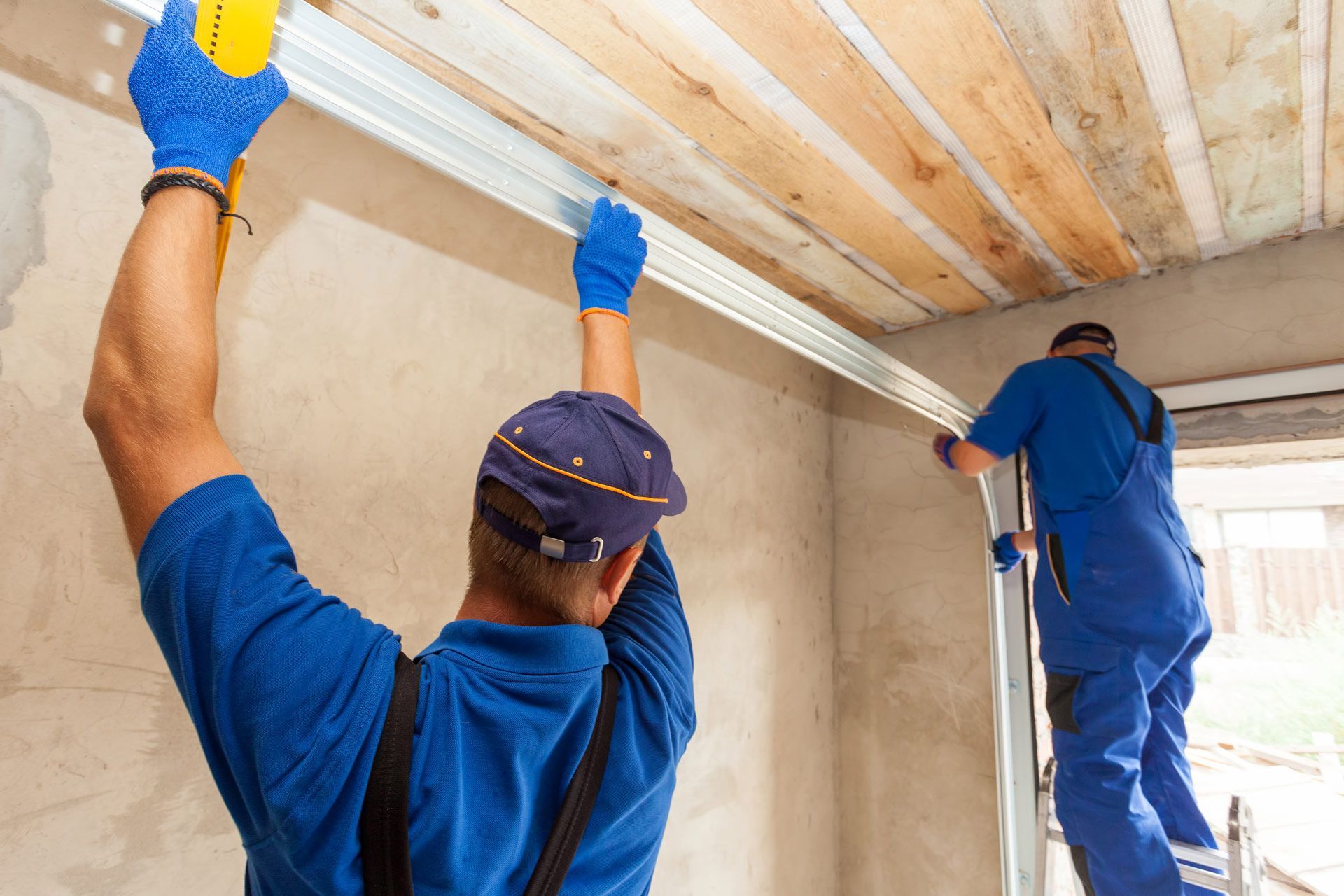
Two men are working on a garage door.
March 10, 2026
Discover the signs that indicate it's time to call an emergency garage door service. Custom Specialties Group in Las Vegas offers reliable, fast repairs to ensure your safety.
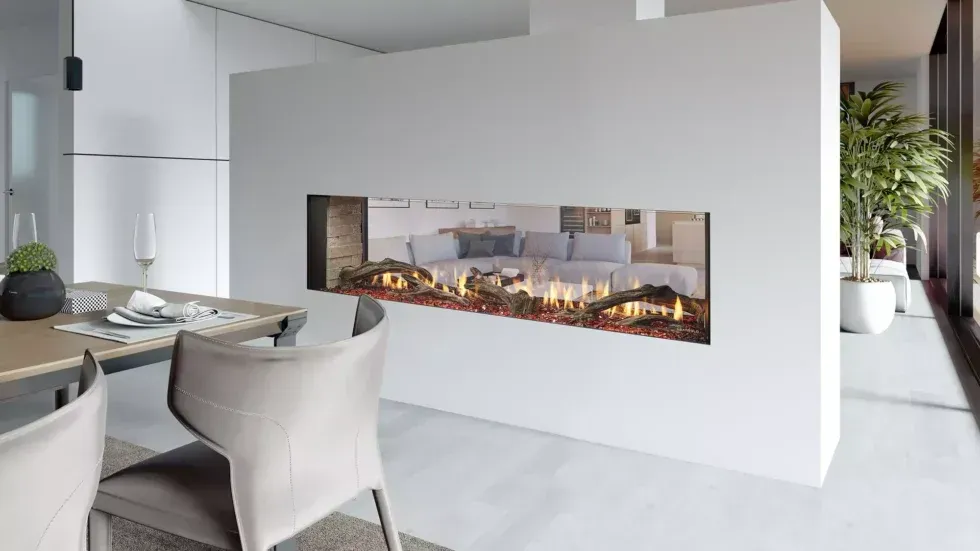
Modern open-concept living space with a long, horizontal fireplace built into a white wall.
By cmlecates March 25, 2024
Preparing for a fireplace installation can be easy with the right tips. Let Custom Specialties Group guide you through the steps to get ready for your perfect home upgrade.
Hand pressing button on garage door opener remote; garage door and opener visible.
By Info csglv November 3, 2023
Keep your garage door in top condition with regular maintenance. Custom Specialties Group shares helpful tips for keeping your door running smoothly and avoiding costly repairs.
Person replacing a lightbulb in a garage door opener, red and white housing, black track.
By Info csglv September 22, 2023
Custom Specialties Group offers expert advice and services in garage door repairs, fireplace installations, and more. Explore helpful tips and resources in our blog posts.